
How to Resize Image Without Losing Quality
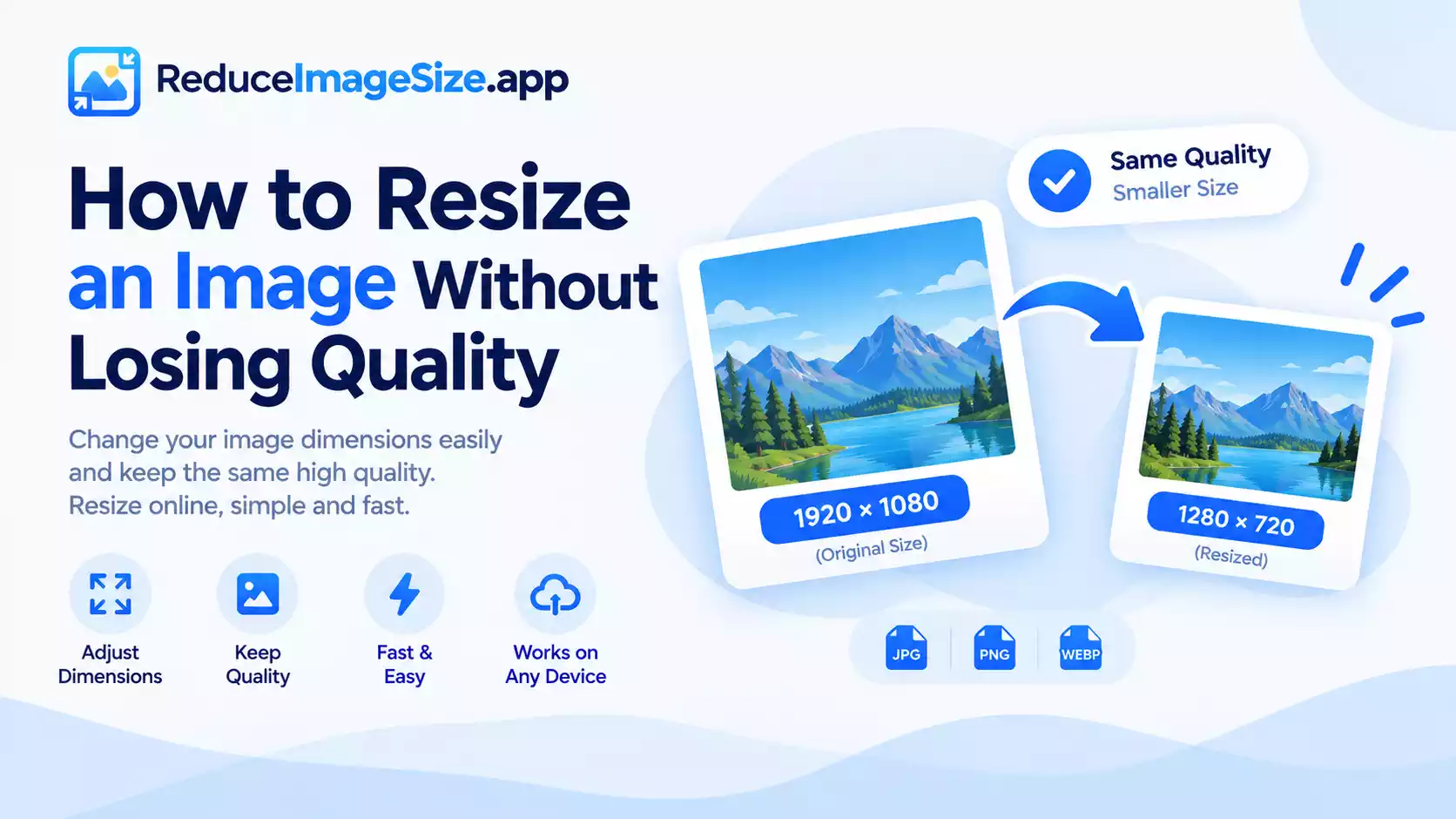
Resizing and compressing cause quality loss in different ways, and the fix for one doesn’t fix the other. Compression loses detail through the encoding process; resizing loses quality mainly through two specific mistakes — stretching and upscaling too far.
Resize Image Tools
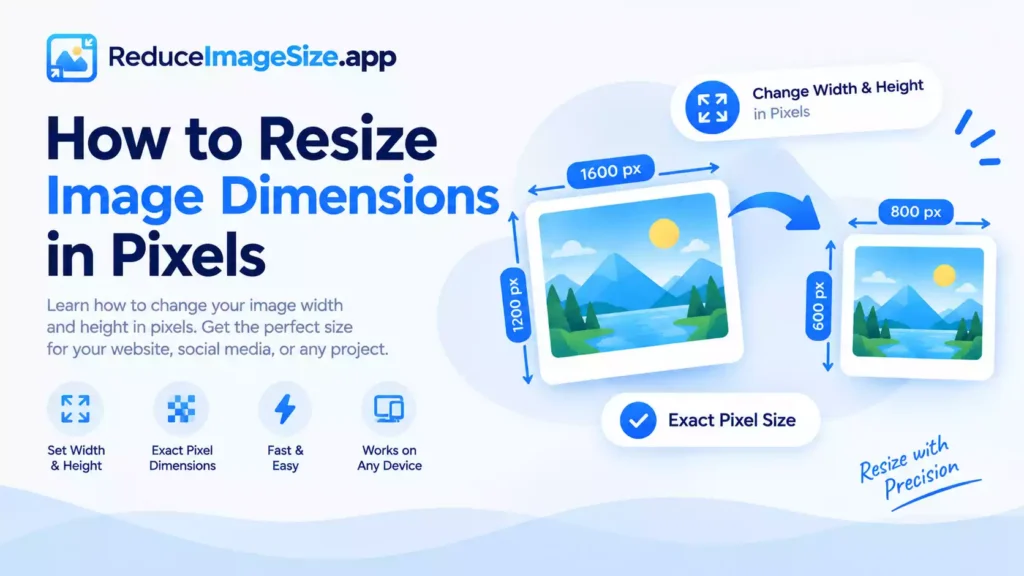
Stretching happens when width and height are changed independently, without keeping the same proportions as the original. A square photo forced into a wide rectangle looks visibly distorted — people look stretched, circles become ovals. The fix is simple: lock the aspect ratio, and let changing one dimension automatically adjust the other to match.
Upscaling — making an image larger rather than smaller — has a real limit. Shrinking a large photo down loses information, but the process is forgiving because you’re discarding detail that’s still genuinely there in the original.
Going the other direction, enlarging a small image, means the tool has to invent pixels that were never captured in the first place. A modest enlargement (say, 20–30% larger) usually looks fine; pushing a small image to several times its original size will show visible softness or blockiness no matter how good the resizing method is.
Downscaling (making an image smaller) is much safer for quality — you’re not inventing new information, just representing the same image with fewer pixels. This is why resizing down before compressing (rather than compressing a huge image directly) so often produces a better result: a smaller image needs less aggressive compression to hit the same file size.
A Quick Checklist
- Lock the aspect ratio unless you specifically want a different proportion
- Downscaling is safe; upscaling has real limits — keep enlargements modest
- If you’re doing both, resize first, then compress
- For an exact file-size target after resizing, use the Reduce Image Size tools
Related tools: Resize Image · How to Reduce Image Size Without Losing Quality · Increase Image Size




One Comment