Does Lower Image Quality Always Mean a Smaller File?
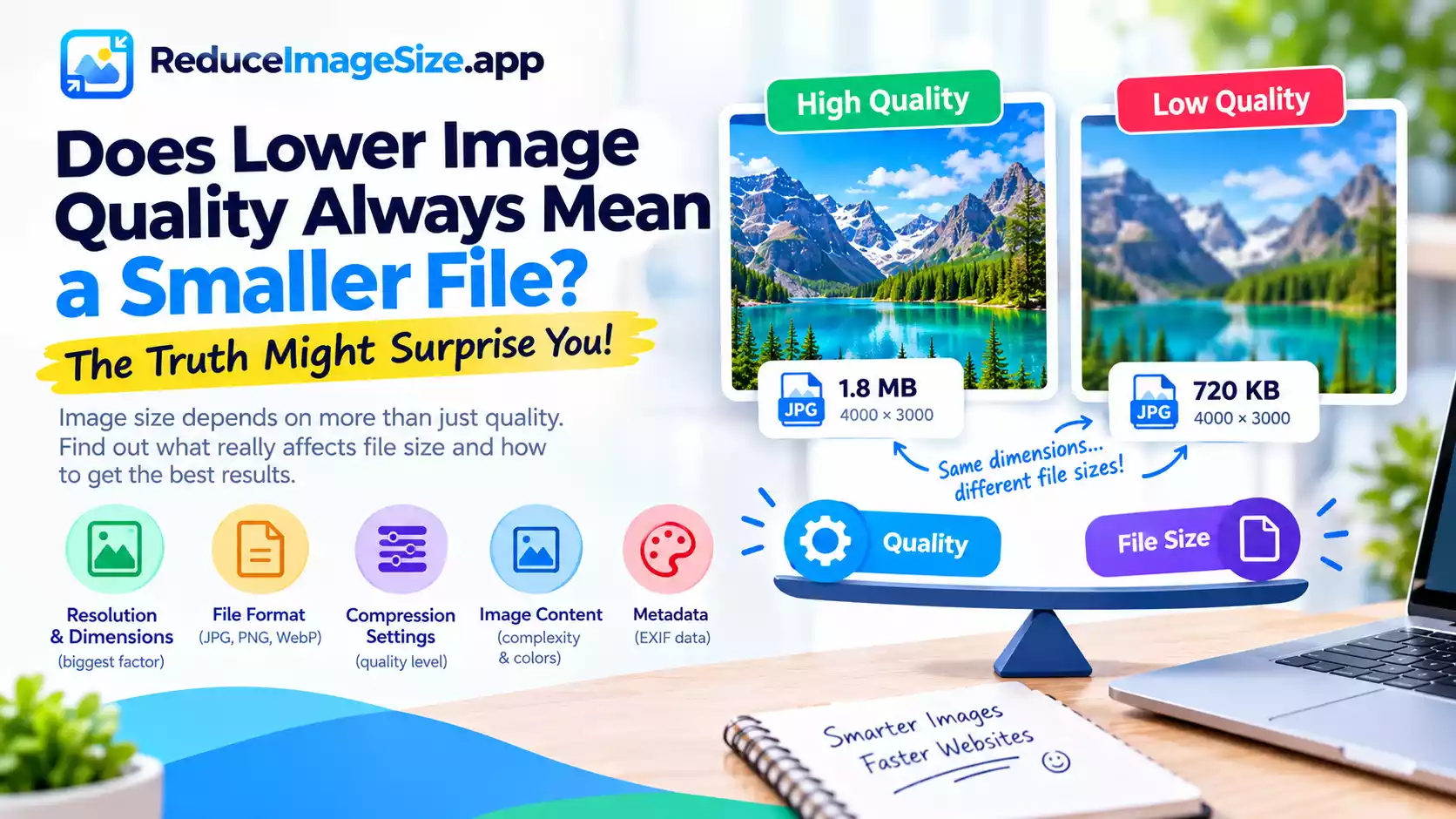
Usually, but not always, and understanding the exceptions helps explain why two images at the same quality setting can end up wildly different sizes.
Where the Assumption Holds
Within the same image, same format, and same dimensions, yes, lowering the quality setting does reduce the file size, since you’re discarding more information. This is the relationship most people expect.
Where It Breaks Down
Two different images at the same quality setting can have very different sizes. A simple, low-detail photo compressed at 80% might be a fraction of the size of a busy, highly detailed photo compressed at the same 80% — the quality number controls how much information is discarded relative to what’s there, not a fixed output size.
Dimensions often matter more than quality. A large image at 60% quality can easily be bigger than the same image resized smaller and kept at 90% quality. If your priority is file size, resizing dimensions is frequently a bigger lever than dropping the quality slider.
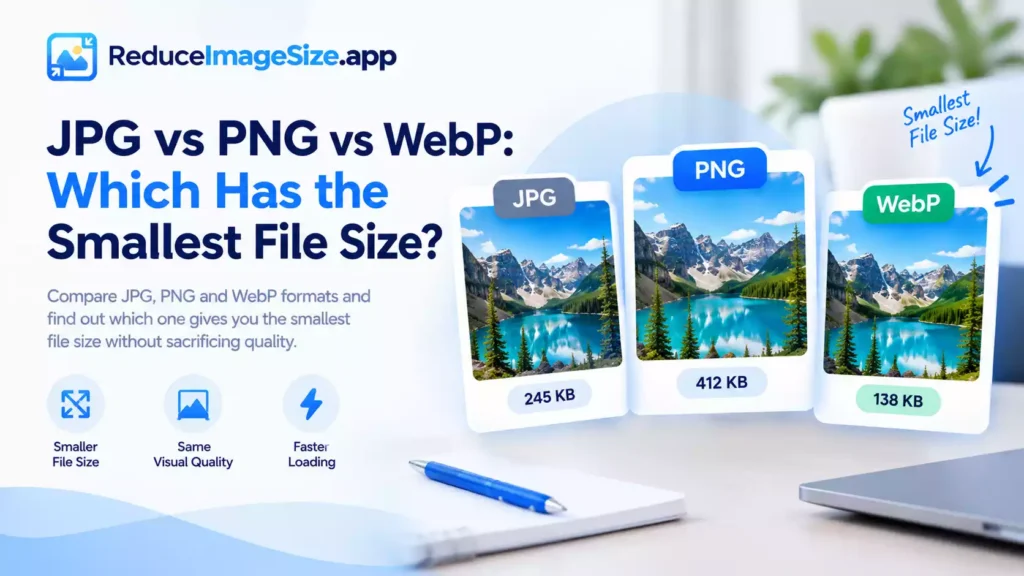
Format changes the relationship entirely. A JPG and a WebP file at the “same” 80% quality setting aren’t using an identical scale — WebP’s compression is generally more efficient, so its 80% often looks better and is smaller than a JPG at 80%. The number isn’t directly comparable across formats.
PNG doesn’t have a quality slider the same way. Since PNG is lossless, there’s no quality percentage trading off against size the way there is for JPG or WebP — PNG size is driven by image complexity and optimization, not a slider.
The Practical Takeaway
If file size is the goal, don’t rely on the quality slider alone — check dimensions first, consider the format, and treat quality as one of three tools rather than the only one.
Related tools: What Is the Best Image Quality for a Smaller File Size? · Resize Image · Convert Image