How to Reduce Image Size for Email (Free & Fast)
Make Image Smaller for Email
Email attachments bounce for a reason that has nothing to do with your internet connection — most providers cap total attachment size, reduce image size for email signatures, and modern phone photos can eat through that limit with just one or two images.
Why This Happens
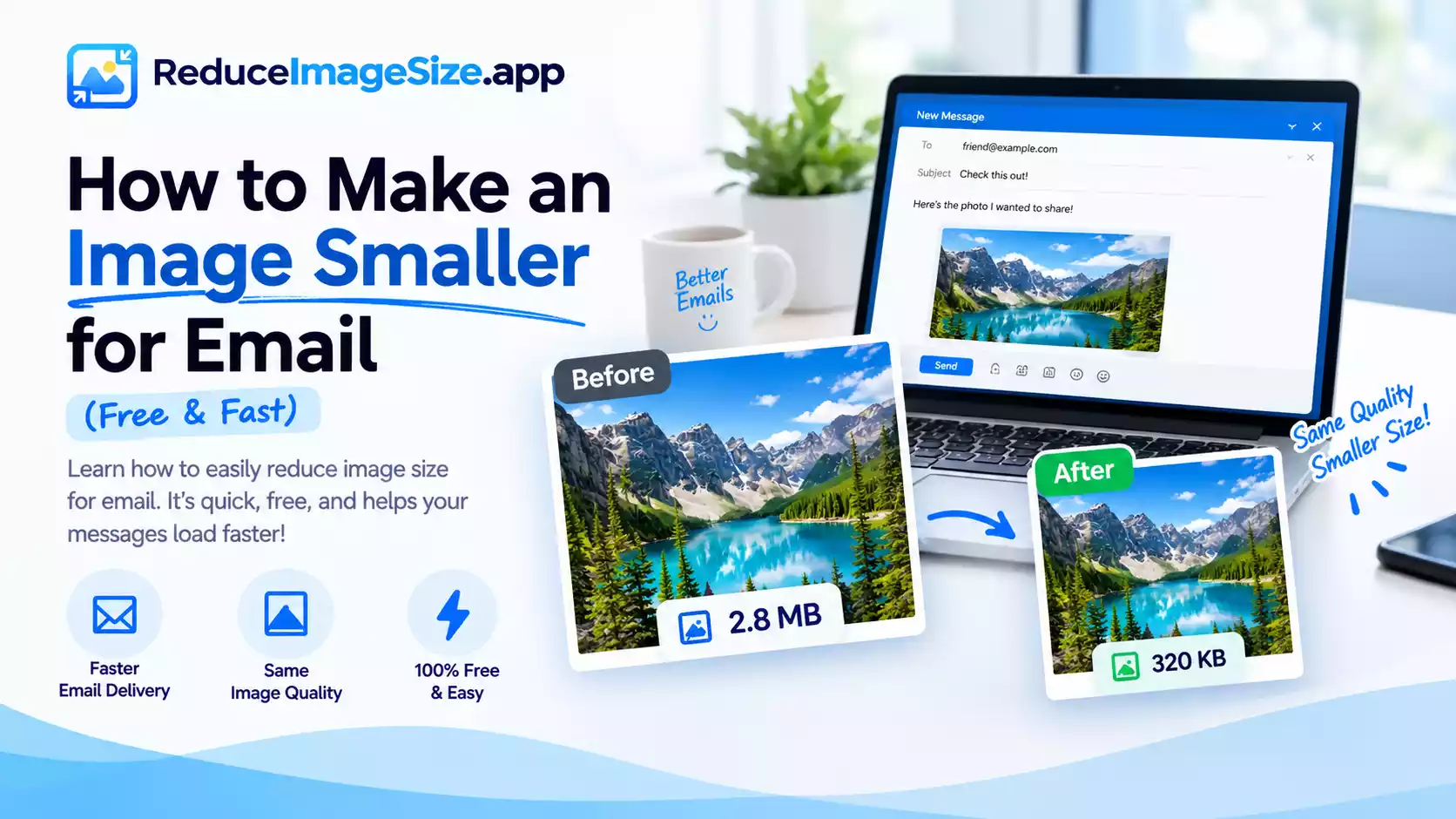
A single unedited smartphone photo can easily be 5–10MB. Attach three or four of those to one email, and you’re well past what many providers will accept, even before considering the recipient’s own inbox limits. The fix isn’t sending fewer photos — it’s sending smaller versions of the same photos.
What Size to Aim For
There’s no single universal number, since providers and recipients vary, but a few reasonable targets:
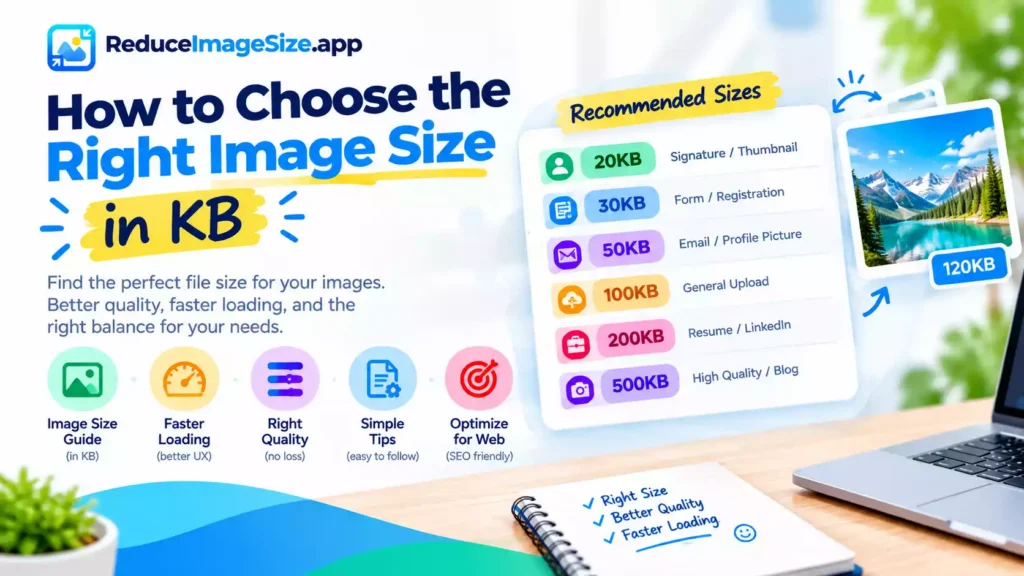
- 1–2MB per image is comfortable for most providers if you’re sending one or two photos
- Under 500KB per image is safer if you’re attaching several at once
- If a specific recipient or system has told you an exact limit, match that number directly rather than guessing
How to Do It
- Go to ReduceImageSize.app — no signup needed.
- Upload your photo.
- Choose a target — 1MB or 2MB for a single image, or something smaller from the KB hub if you’re sending several at once.
- Download and attach the smaller version.
If you have several photos to send in one email, the bulk tool processes them all in one pass instead of one at a time.