
JPG vs PNG vs WebP: Which Has the Smallest File Size?
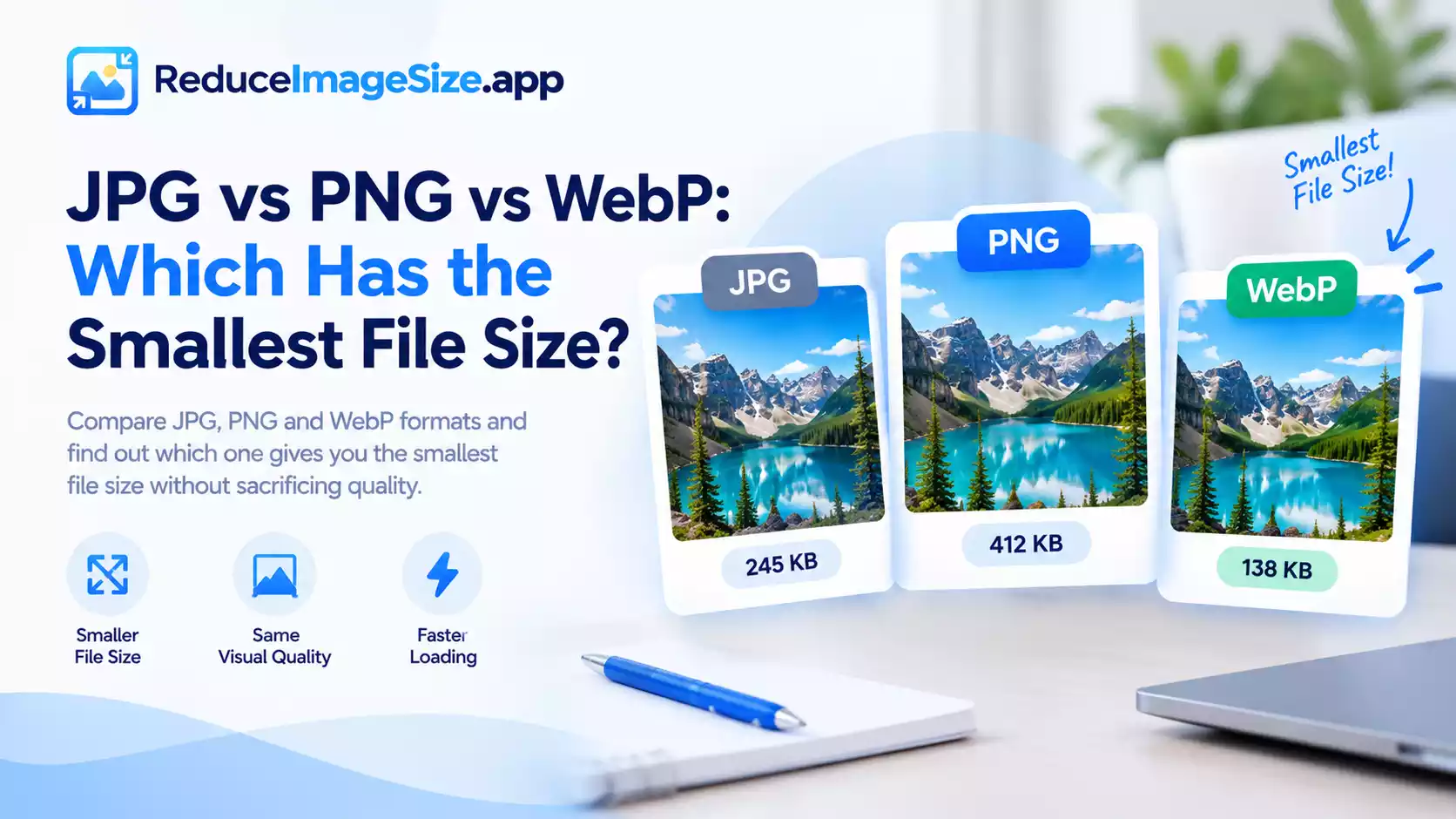
JPG vs PNG vs WebP File Size
The honest answer is “it depends on what the image contains”, but there’s a clear pattern once you know what each format is actually good at.
For Photos
WebP and AVIF are typically the smallest at a given visual quality, followed by JPG, with PNG usually the largest for the same photo. This is because photos are exactly the kind of content lossy compression (used by JPG, WebP, and AVIF) handles efficiently, while PNG’s lossless approach has to preserve detail that could safely be simplified.
For Graphics, Screenshots, and Logos
PNG often does surprisingly well here; flat colors and sharp edges compress efficiently even without discarding anything. WebP in lossless mode can still edge it out in many cases, but the gap is much smaller than it is for photos, and PNG remains a completely reasonable choice for this kind of content.
For Transparency
PNG and WebP both support transparency; JPG does not. If you need a transparent background, the choice is between PNG and WebP, and WebP will generally produce the smaller file at equivalent quality.
A Practical Ranking
- Smallest for photos, no transparency needed: AVIF, then WebP, then JPG, then PNG
- Smallest for graphics/screenshots: WebP, then PNG (JPG is usually a poor choice here, it can introduce visible artifacts around sharp text and edges)
- Best for transparency: WebP, then PNG
Compatibility Still Matters
The smallest isn’t always the right choice on its own; AVIF has narrower support than WebP, and WebP has narrower support than JPG or PNG, especially on older software. If you’re not sure your image will be opened somewhere modern, JPG (for photos) or PNG (for graphics/transparency) remain the safest universal choices, even if they’re not the smallest option available.
Related tools: Convert Image · Crop Image – Free Cropper with Ratio Presets

One Comment