How to Reduce Image Size for Website Speed
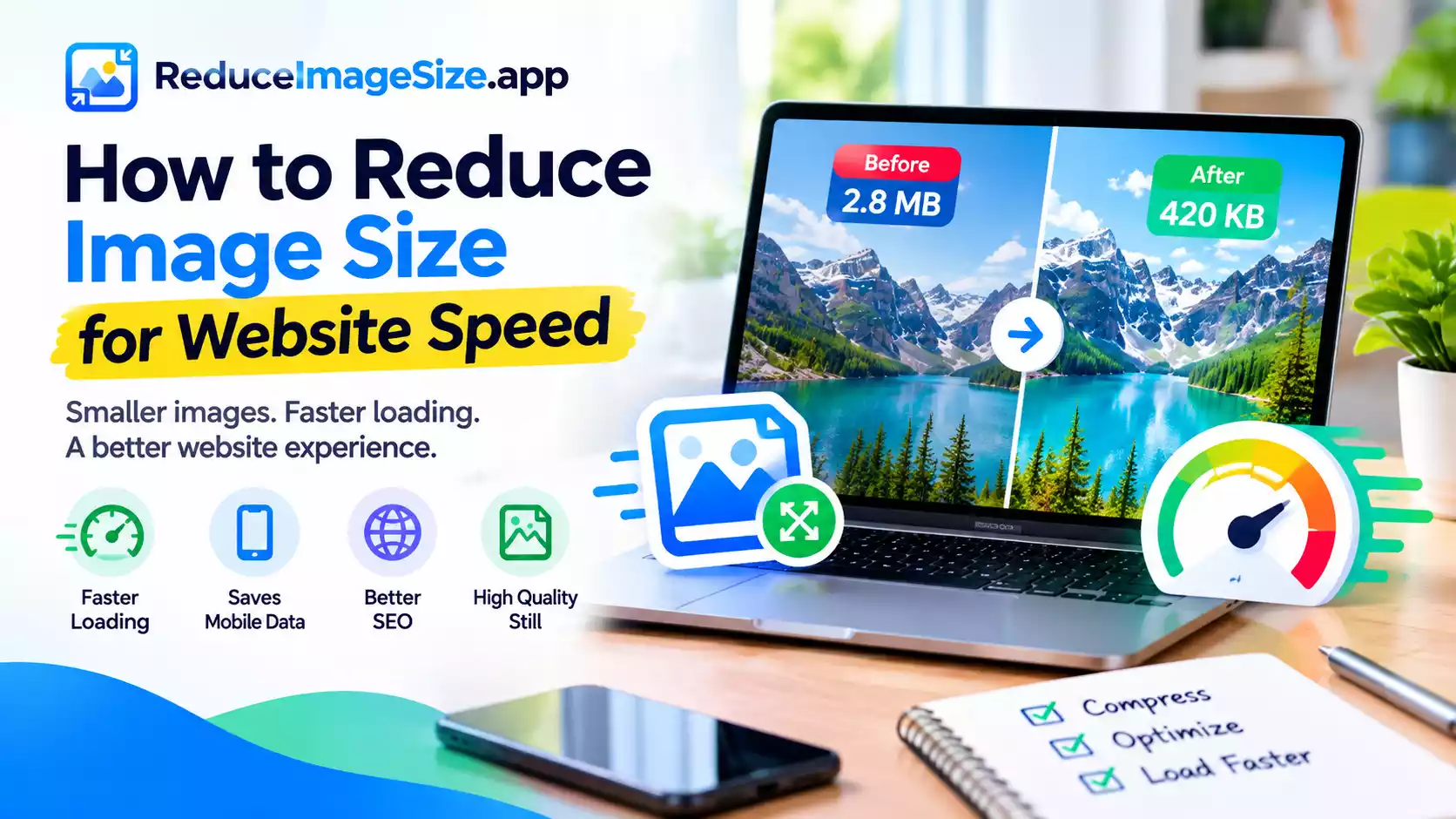
Images are usually the single largest contributor to a slow-loading web page — more than scripts, stylesheets, or fonts combined, on most typical sites. Getting image size under control is often the highest-impact single change you can make to page speed.
Why This Matters Beyond Just Speed
Page speed affects more than user patience — it’s a factor search engines consider when ranking pages, and slow-loading pages tend to see higher visitor drop-off before the page even finishes loading. A visually identical page that loads faster generally performs better on both counts.
The Three Things That Actually Matter
- Dimensions matching display size. An image displayed at 800px wide shouldn’t be stored at 4000px wide — that’s 20x more pixel data than the page will ever show. Resize to the actual display size, not just “smaller.”
- Format. WebP or AVIF typically produce meaningfully smaller files than JPG or PNG at the same visual quality — a direct, often easy win for an existing image library.
- Compression level. A quality setting around 75–85% is rarely visible to a visitor but noticeably reduces file size compared to a higher setting.
A Practical Workflow
- Identify images that are larger than their actual display size on the page.
- Resize them to match.
- Convert to WebP where your platform supports it.
- Compress at a moderate quality setting.
- For a whole image library at once, use the bulk tool rather than processing each image individually.
Related tools: Compress Image · Convert Image · Reduce Image Size Bulk