How to Choose the Right Image Size in KB
Choose the Right Image Size in KB
If a form or portal doesn’t give you an exact number, here’s a practical way to pick one rather than guessing.
Match the Situation to a Target
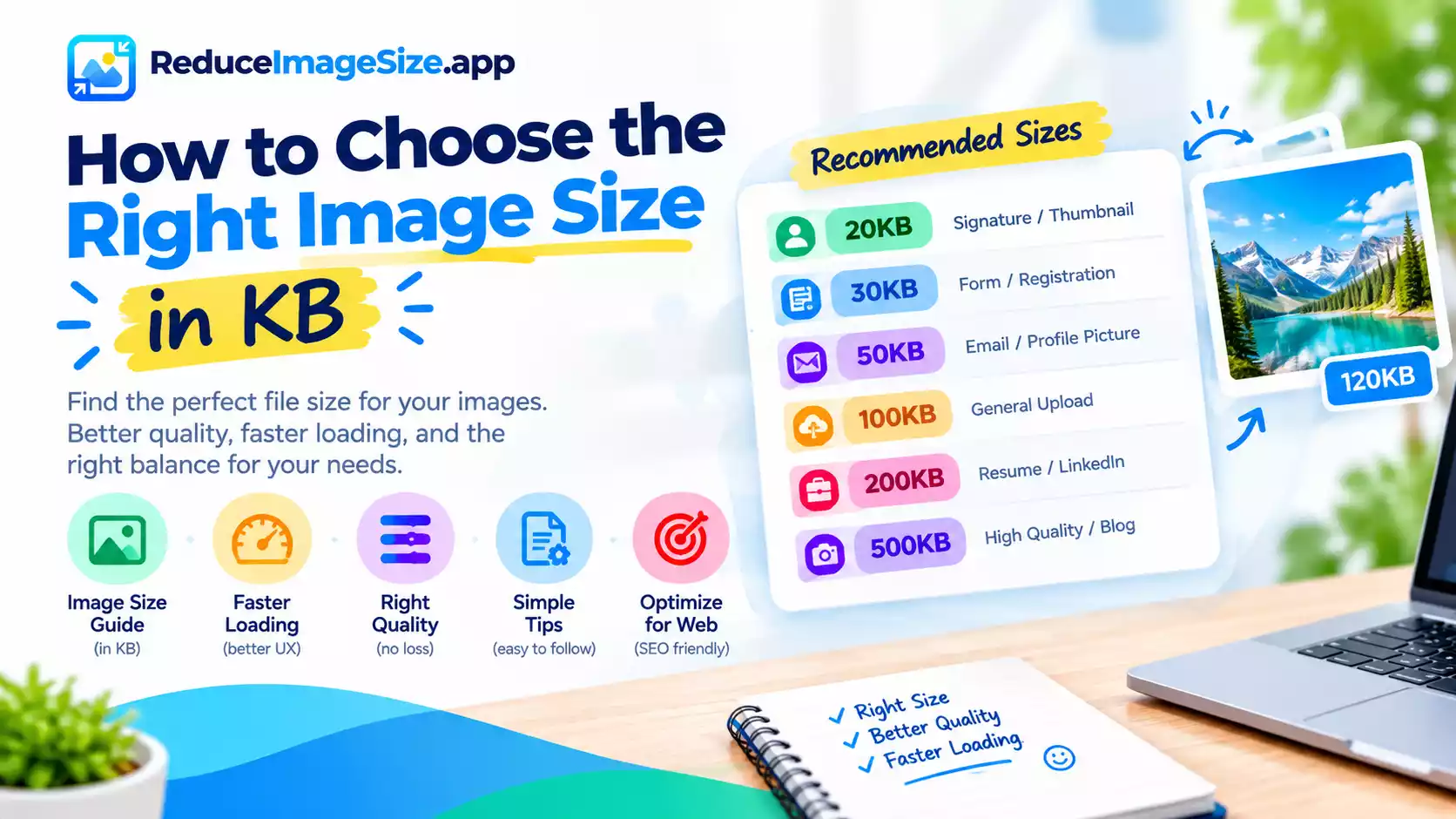
- Signature upload, tiny thumbnail: start with 20KB — small, simple images compress cleanly at this size
- Board exam or government registration form with a moderate limit: 30KB sits between 20KB and 50KB and covers many mid-tier requirements
- Email attachment, basic profile picture: 50KB is the standard, safe default
- General upload limit, passport-style photo, most job portals: 100KB is the most commonly expected size when no other number is given
- Resume photo, LinkedIn banner, portfolio thumbnail: 200KB keeps more visible detail when quality matters as much as clearing a limit
- Photographer or blogger wanting genuinely high quality, still web-friendly: 500KB is a light compression pass, rarely noticeable
If You Genuinely Don’t Know the Requirement
Start with 100KB — it’s the size most general-purpose upload fields expect when no specific number is stated, and it’s easy to go smaller (try 50KB or 20KB) if the upload still gets rejected, or larger (200KB) if the result looks more compressed than you’d like.
If the Form Gives an Exact Number
Match it directly using the custom target field rather than rounding to the nearest preset — even 1KB over a stated limit can mean rejection.
Related tools: Reduce Image Size in KB hub · KB vs MB: Understanding Image File Size