How Does Image Compression Work? A Simple Explanation
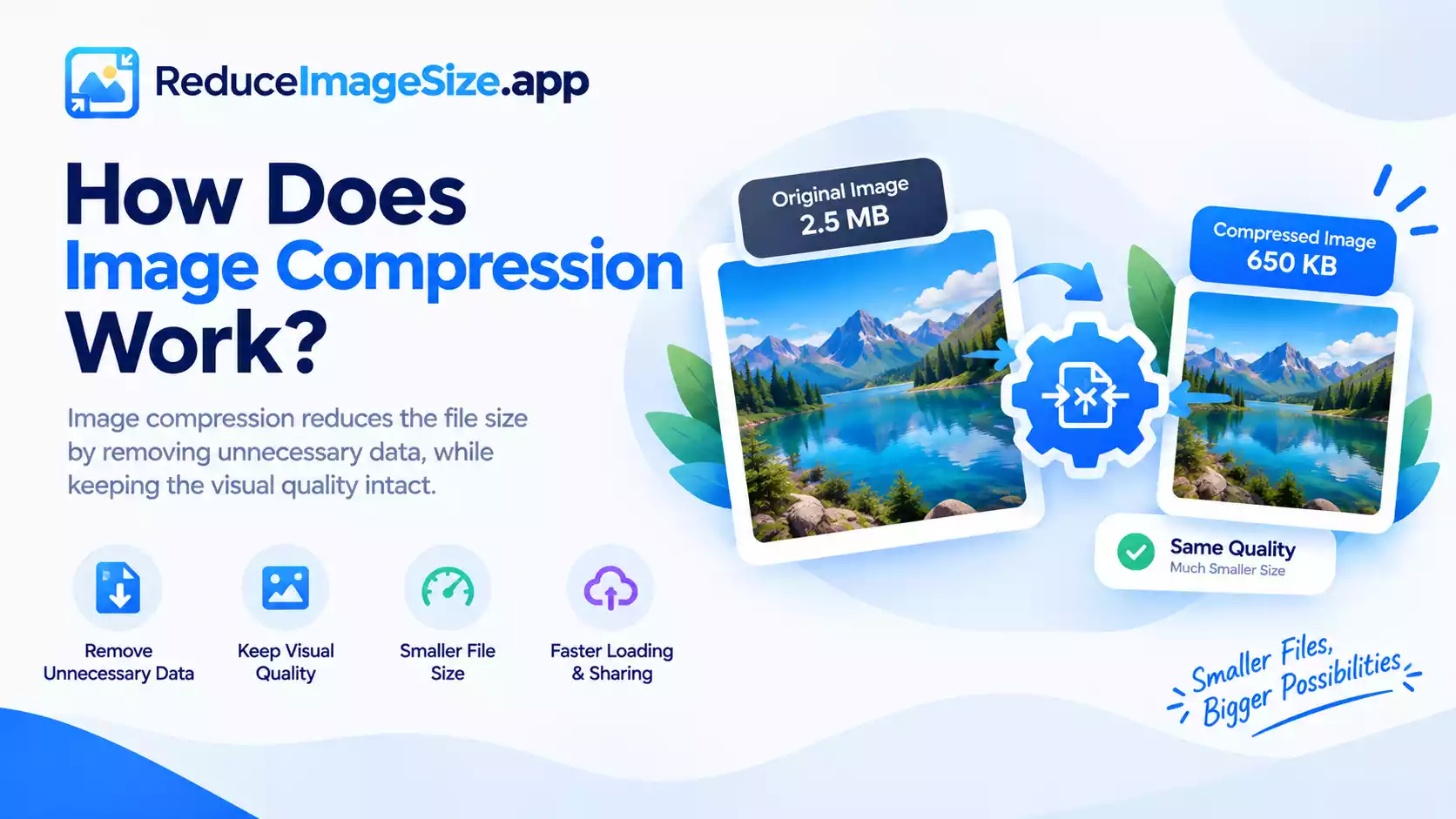
How Image Compression Work?
Compressing an image isn’t just “making the file smaller” in a vague sense; there are two fundamentally different approaches, and knowing which one a format uses helps explain why some images shrink dramatically while others barely budge.
Lossy Compression
Formats like JPG use lossy compression: they identify visual information the human eye is less sensitive to, such as subtle color transitions and very fine detail, and simplify or discard it. This is why a JPG can shrink to a fraction of its original size while still looking correct to a casual viewer: the compression is designed around how human vision actually works, not just abstract data storage.
The trade-off is that this information is genuinely gone, you can’t get it back by “increasing quality” after the fact, only by starting from a less-compressed original.
Lossless Compression
PNG uses lossless compression: it finds ways to describe the exact same pixel data more efficiently, repeated patterns, runs of identical colors, without discarding anything. This is why converting a photo to PNG doesn’t make it blurry, but it’s also why PNG often can’t shrink a busy, detailed photo nearly as much as JPG can.
Lossless compression works best on images with large flat areas or repeated patterns (screenshots, simple graphics, logos) and works worse on complex, photographic content.
Why Photos and Graphics Compress Differently
A photo is full of subtle gradients and fine, somewhat random detail, exactly the kind of content lossy compression is built to simplify effectively. A screenshot or a logo is full of flat color and sharp, repeated edges, exactly the kind of content lossless compression handles well without needing to discard anything.
Using the “wrong” format for the content type is one of the most common reasons a file ends up larger than it needs to be, a screenshot saved as JPG often looks worse and isn’t much smaller than the same screenshot saved efficiently as PNG.
Where WebP and AVIF Fit In
Both newer formats support lossy and lossless modes, and both generally compress more efficiently than JPG or PNG for the same visual result because the underlying techniques have improved since JPG and PNG were designed. That’s the practical reason they tend to produce smaller files for the same content.
Related tools: Compress Image · Convert Image · JPG vs PNG vs WebP: Which Has the Smallest File Size?