Why Is My Image File Size So Large? Common Reasons Explained
Before compressing anything, it helps to know what’s actually driving the size up — the fix is often different depending on the cause.
The Most Common Reasons
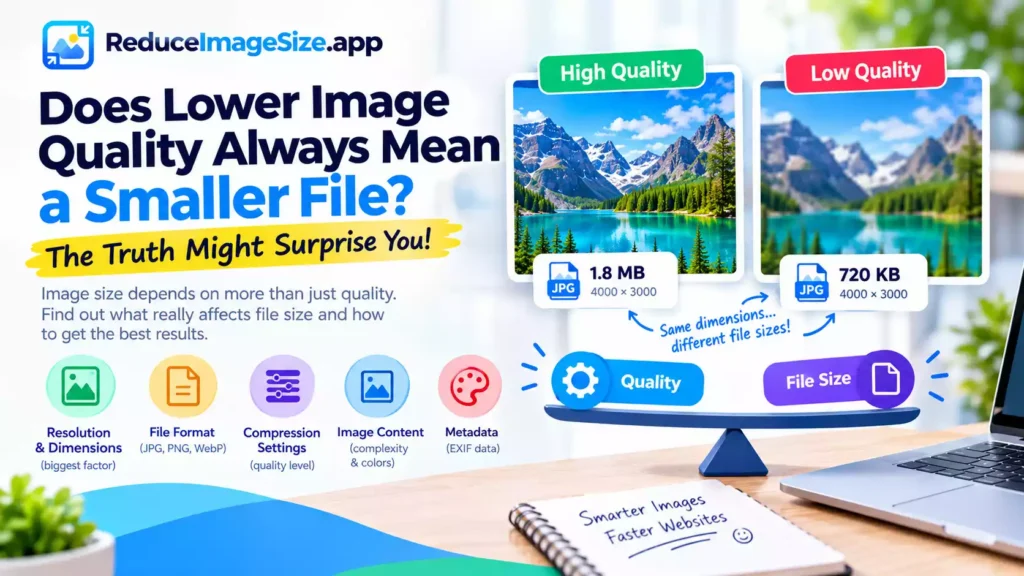
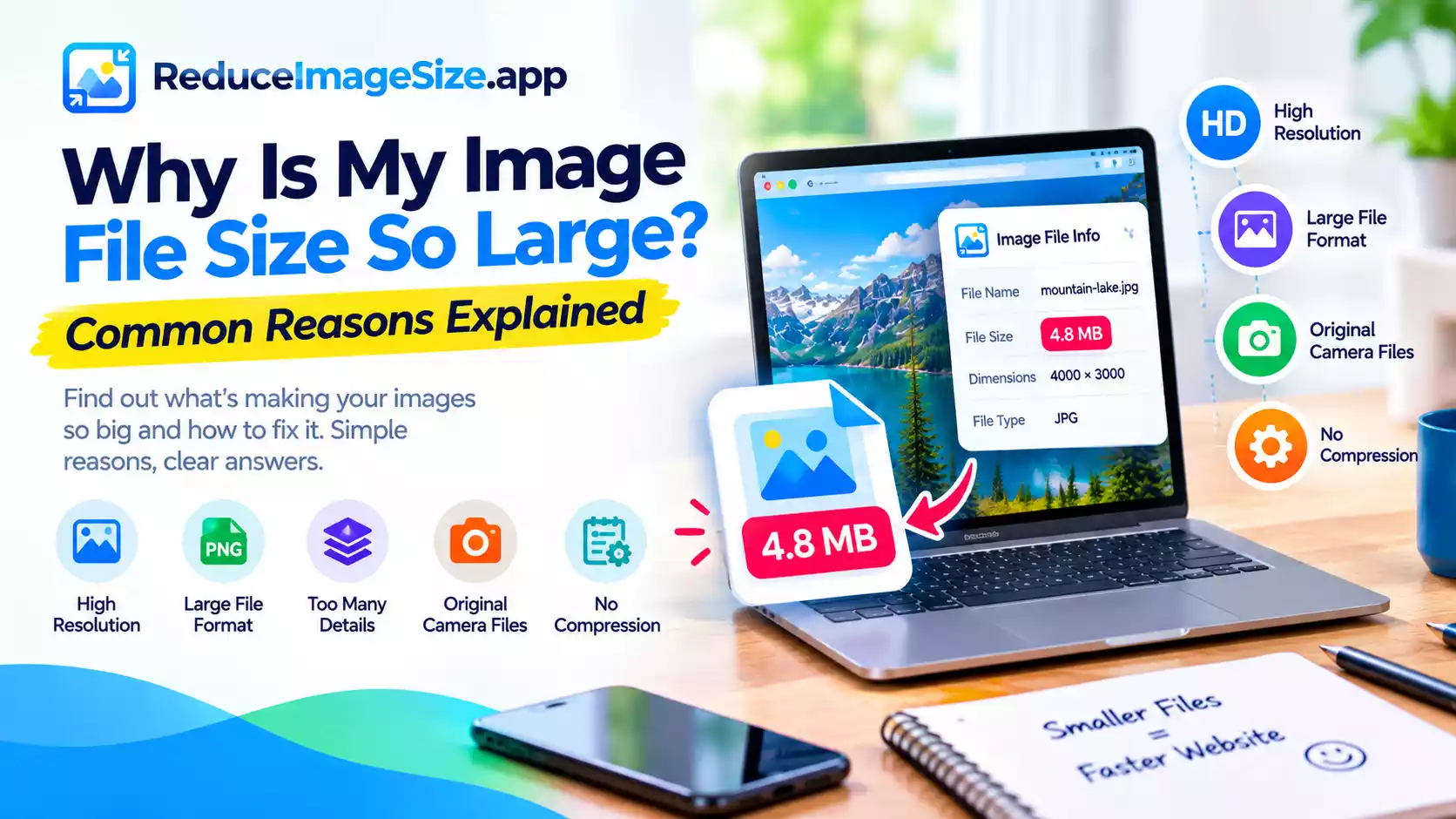
The dimensions are far larger than needed. A photo straight from a modern phone or camera is often captured at a resolution meant for large prints or zooming in — 4000×3000 pixels or more. If it’s only ever going to be viewed at 800×600 on a screen, most of that resolution is wasted storage.
The format doesn’t suit the content. A photo saved as PNG (lossless) will usually be much larger than the same photo saved as JPG or WebP (lossy), simply because PNG can’t discard the fine detail that lossy compression is built to simplify.
Hidden metadata. Photos often carry embedded information — camera settings, location data, timestamps — that adds to the file size without affecting what you actually see. This is usually a small contributor compared to dimensions and format, but it adds up, especially across a large batch of images.
A high quality setting, or no compression at all. An image saved at maximum quality, or not compressed at all, keeps far more data than is usually necessary for typical use.
Genuinely complex visual content. A busy, highly detailed photo will compress less than a simple one at the same settings, purely because there’s more real information to encode — this one isn’t really “fixable,” just a property of the image itself.
How to Tell Which Applies to You
Check the pixel dimensions first — if they’re much larger than where the image will actually be displayed, that’s usually the biggest single factor. Then check the format — if it’s PNG and doesn’t need transparency, converting to JPG or WebP will likely help significantly. Compression settings matter too, but they tend to have a smaller effect than getting dimensions and format right first.
Related tools: Resize Image · Convert Image · Compress Image